
Subscription Creep: How Small Recurring Charges Add Up and What to Do About It

Key Takeaways
Why Subscription Creep Is So Easy to Miss
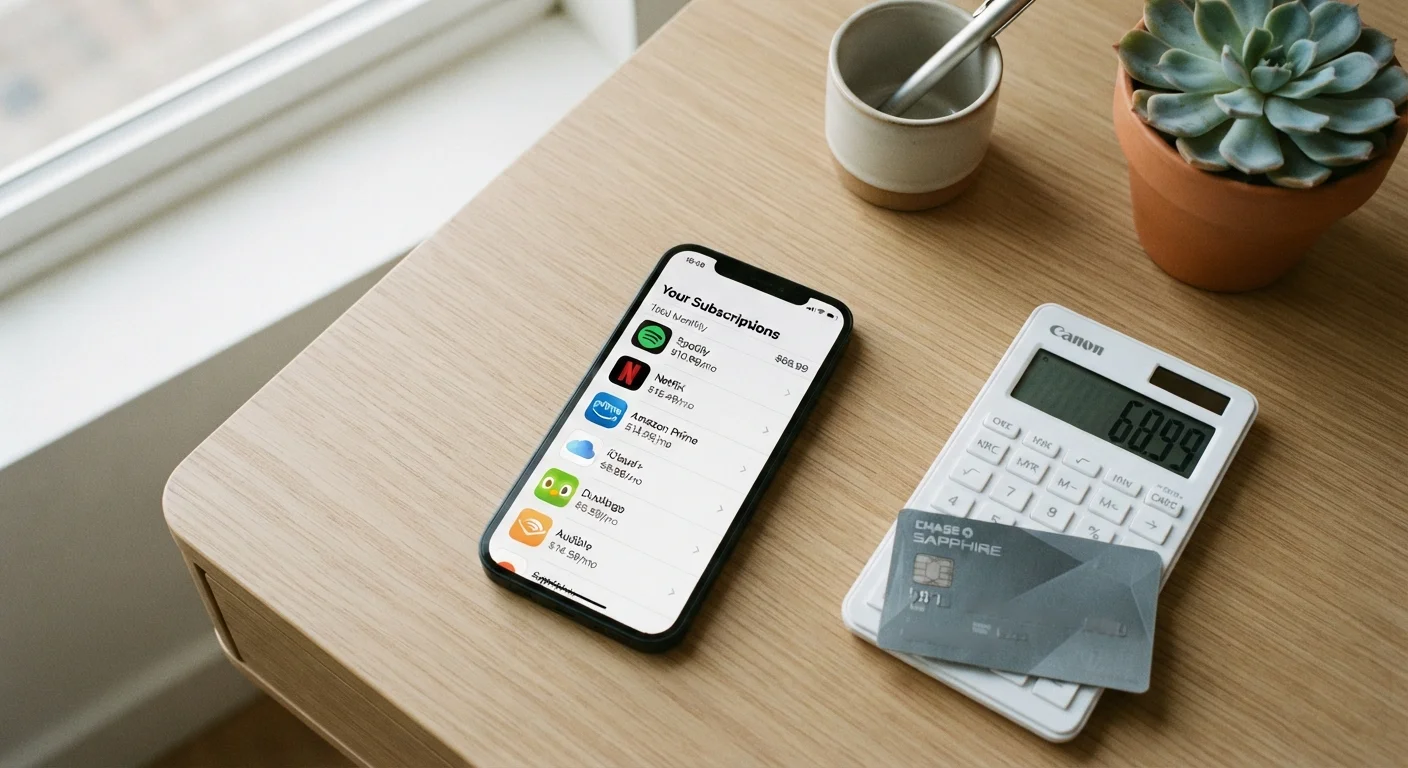
Subscription creep is the gradual accumulation of recurring charges that individually seem trivial but collectively represent a meaningful slice of your monthly budget. A $4.99 podcast app, a $9.99 cloud storage upgrade, a $14.99 streaming platform, and a $6.99 news site add up to $36.96 a month - over $440 a year - before you've counted anything you use regularly.
The problem isn't just the cost. It's the invisibility. Recurring charges are designed to be frictionless by companies that benefit from low churn. They clear automatically, often on varying dates throughout the month, making them easy to miss in a busy statement. Research by financial services firms has consistently found that consumers significantly underestimate their total monthly subscription spending when asked to recall it from memory - which is why a structured audit, rather than a mental inventory, is the only reliable fix.
This kind of steady budget leakage is part of a broader pattern of financial habits that quietly undermine even careful budgeters. The good news is that subscription creep is one of the more correctable budget problems - it requires no income change, no complex financial maneuver, and no sacrifice of things you genuinely value.
What you will need
What You'll Need Before You Start
This audit requires access to your financial records and a small amount of focused time. You don't need any special software or paid tools - the process works with free resources you likely already have.
Bank or credit union online portal
Access up to 12 months of transaction history to identify recurring charges.
Spreadsheet (e.g., Google Sheets or Excel)
Track each subscription, its cost, billing cycle, and whether you decide to keep or cancel it.
Email search
Search your inbox for terms like 'receipt,' 'invoice,' or 'subscription renewed' to surface subscriptions not yet caught in statements.
Calendar app
Set recurring 90-day reminders to re-audit subscriptions and review new trial sign-ups.
Once you have these materials ready, follow the steps below to locate, evaluate, and eliminate the subscriptions that no longer serve you. The process pairs well with a monthly budget review checklist, which can help you catch new creep before it compounds.
Use One Card for All Subscriptions
Routing every recurring charge to a single dedicated debit or credit card makes future audits far easier. You'll have one place to review rather than scanning multiple accounts. It also makes it immediately obvious when a new charge appears that you didn't authorize.
Step-by-Step: Auditing and Cutting Your Subscriptions
Free Trials Convert Automatically
Many services require a payment method upfront for a free trial, then charge you automatically once the trial ends. If you sign up for a trial and don't intend to keep the service, cancel before the trial period closes. Mark the cancellation deadline in your calendar the moment you subscribe.
Pull three months of statements from every account
Log in to each bank account, credit card, and PayPal-style payment account you use. Download or print statements covering the last three full months. Three months is the minimum needed because some subscriptions bill quarterly rather than monthly, meaning a single month's statement can miss them entirely.
Highlight every recurring charge
Go line by line and mark any charge that appears more than once across your statements, as well as any charge labeled 'subscription,' 'membership,' 'renewal,' or 'annual plan.' Pay attention to small amounts - charges under $5 are easy to scroll past but add up quickly across multiple services.
Log each charge in your tracking spreadsheet
Create a simple table with these columns: Service Name, Monthly Cost (convert annual fees by dividing by 12), Billing Cycle, Last Used, and Keep/Cancel. Fill in a row for every subscription you found. Don't make any decisions yet - the goal of this step is visibility, not judgment.
Check your email inbox for additional subscriptions
Search your email for terms such as 'receipt,' 'your subscription,' 'invoice,' 'thank you for your purchase,' and 'membership renewed.' Add any services you find here that aren't already on your spreadsheet. Email is particularly useful for catching annual renewals and lesser-used apps that don't show up in recent statements.
Evaluate each subscription against a simple test
For each service on your list, ask two questions: Did I use this in the past 30 days? and Would I sign up for this today at this price? If the answer to either question is no, flag it as a cancellation candidate. This prevents the sunk-cost trap of keeping a service because you've already paid for it.
Cancel or downgrade your cancellation candidates
Work through your cancellation list one service at a time. Most subscriptions can be canceled through the service's website under Account Settings or Billing. For any service that makes cancellation difficult to find online, a short phone call or live chat typically resolves it. Document the cancellation confirmation number or take a screenshot for your records.
Schedule a 90-day review and redirect the savings
Set a recurring calendar reminder every 90 days to repeat this audit. Subscription creep returns gradually - new free trials, gifted memberships, and workplace tool sign-ups accumulate over time. Additionally, calculate the monthly total you freed up and immediately assign it a purpose: an emergency fund contribution, an extra debt payment, or an increase to your regular savings transfer. Money without a destination tends to disappear.
The entire process typically takes between 30 and 60 minutes for a first-time audit. Subsequent 90-day reviews are faster because your spreadsheet is already built - you're only looking for new entries.
Third-Party Cancellation Services Carry Risks
Some apps offer to cancel subscriptions on your behalf in exchange for a fee or ongoing access to your financial data. Before using any third-party tool, carefully review its privacy policy and understand what data it accesses. For most people, the manual approach described in this guide is safer and costs nothing.
Redirecting What You Save
Canceling subscriptions you don't use isn't about deprivation - it's about making sure your money reflects your actual priorities. The dollars freed up from unused recurring charges are among the easiest to redirect because they're already leaving your account on a set schedule. Adjusting an automatic savings transfer or debt payment by the same amount requires almost no behavioral change.
Even modest monthly savings compound meaningfully over time. Redirecting $40 a month toward a high-yield savings account or an extra credit card payment adds up to $480 a year. As small financial decisions compound over decades, consistent small redirections matter more than one-time windfalls.
For a broader framework on keeping your spending aligned with your goals month to month, the Budgeting Basics hub offers practical guidance on building and maintaining a budget that works over the long term. And if you're evaluating other areas where spending quietly climbs - including major purchases - it's worth understanding where car buyers lose money without realizing it as a parallel example of how incremental costs add up.
This article is for general informational and educational purposes only and does not constitute personalized financial advice. Consult a qualified financial professional for guidance specific to your situation.